Final Project: Collaborative Arcade
- Collaborate with peers (S_COLLAB) to design a final interactive game incorporating all learned elements.
- Integrate optional hardware (Makey Makey) to map physical objects to keyboard events.
- Present the final project, explaining the logic behind the loops, conditionals, and variables used.
- Provide constructive, actionable feedback on peers' coding projects.
1. Collaborate with peers on design
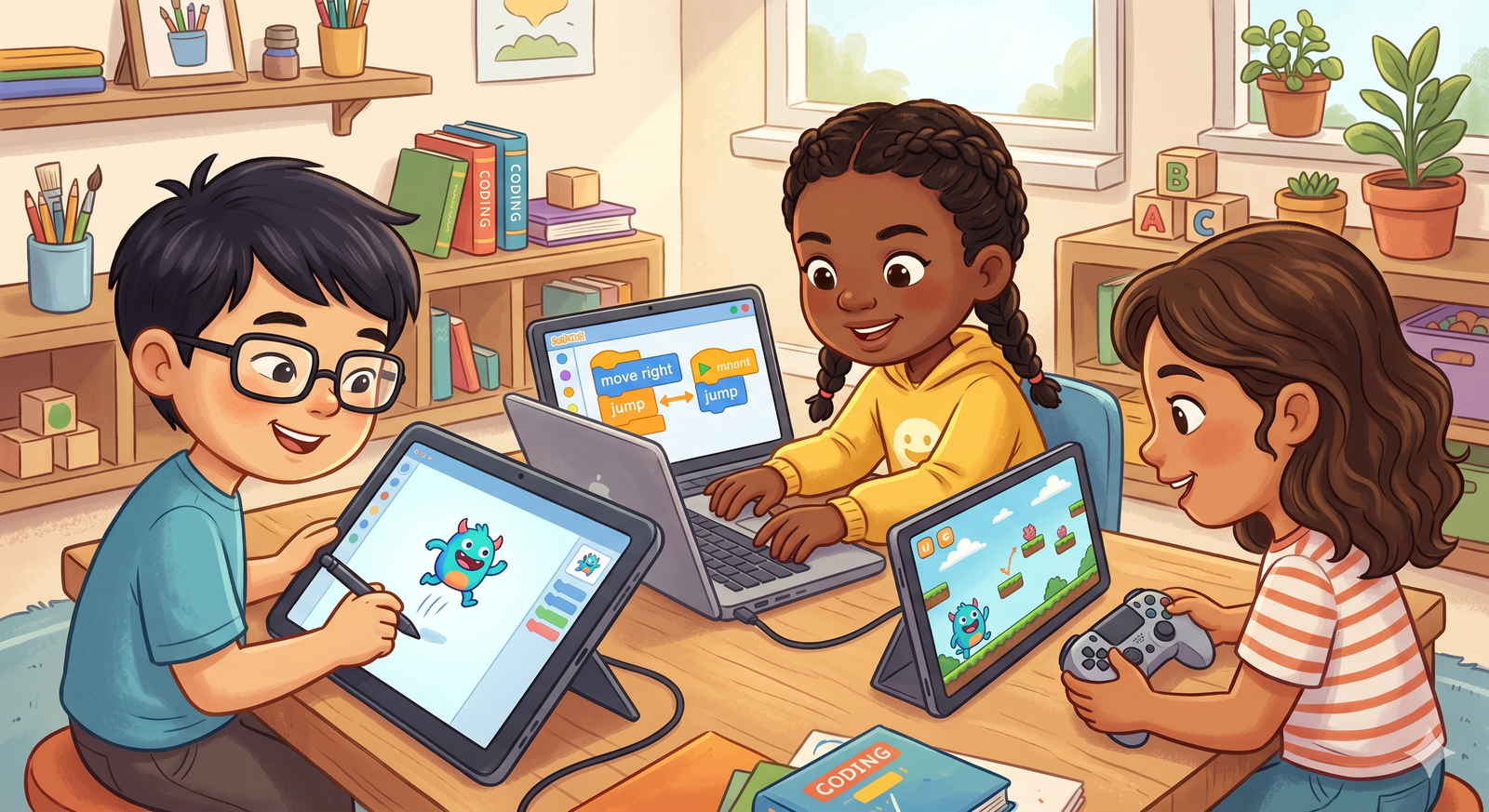
In the tech industry, software is created by teams. Working together (S_COLLAB) allows you to build larger, more detailed projects than working alone. Teams share ideas, divide tasks—such as art design, coding logic, and sound integration—and collaborate to solve problems, preparing students for real-world project development workflows.
Collaboration works best when roles match strengths. One partner can specialize in drawing and sound effects (visual design), while the other handles math logic and variable tracking (code engineering), merging their work into a single final project.
2. Integrate Makey Makey for physical controls
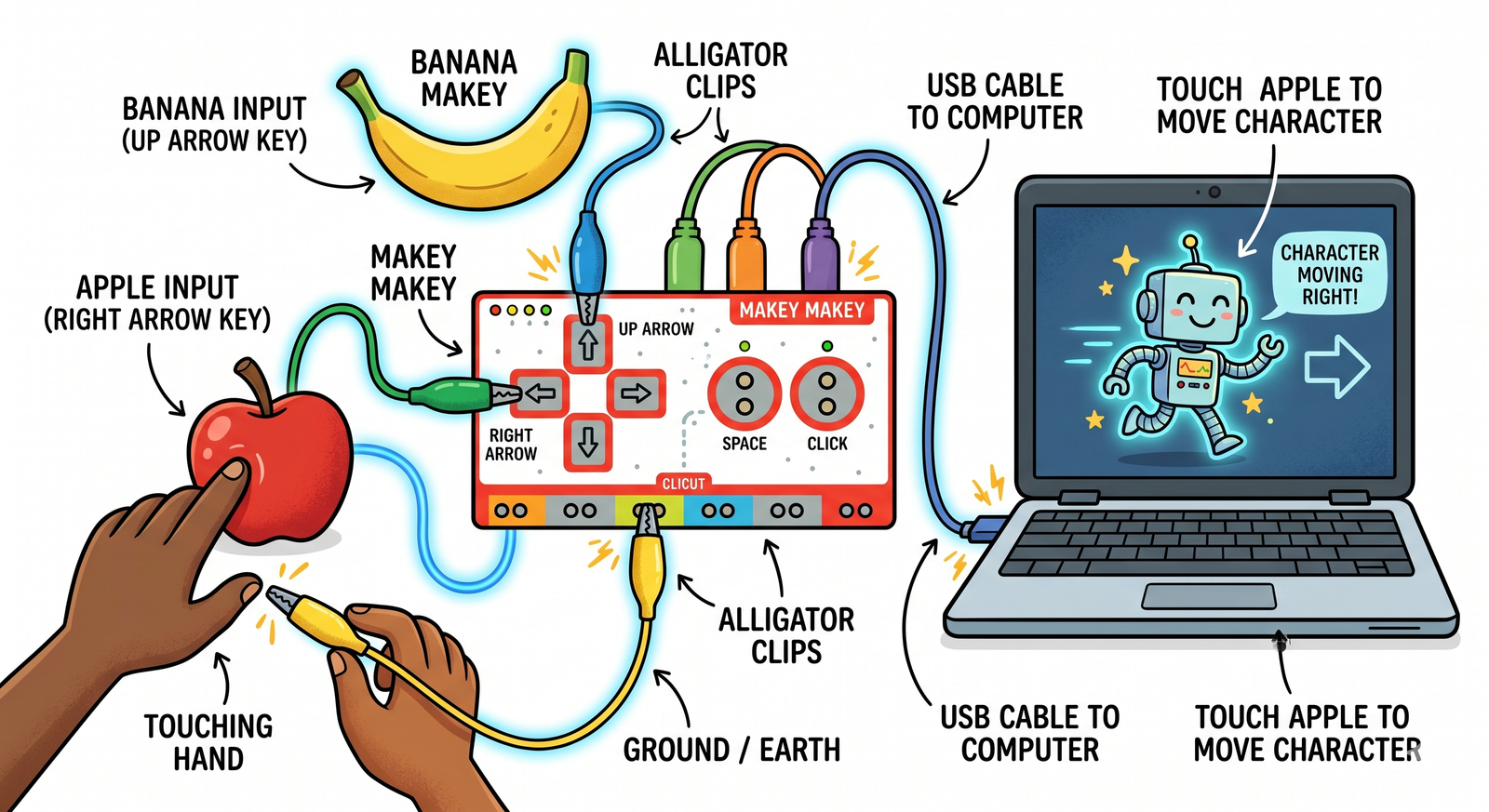
Makey Makey is a hardware board that connects everyday physical objects (like fruit, foil, or clay) to your computer, turning them into keyboard inputs. By connecting a ground wire to yourself and touch-sensitive wires to these objects, you can control your Scratch game with physical items, showing how software interacts with the real world.
Makey Makey bridges code and physical engineering. It closes an electrical loop: when you touch the object (like a banana wired to space), current flows through you to ground, sending a keyboard click to Scratch, triggering code inputs physically.
3. Present projects and explain code logic
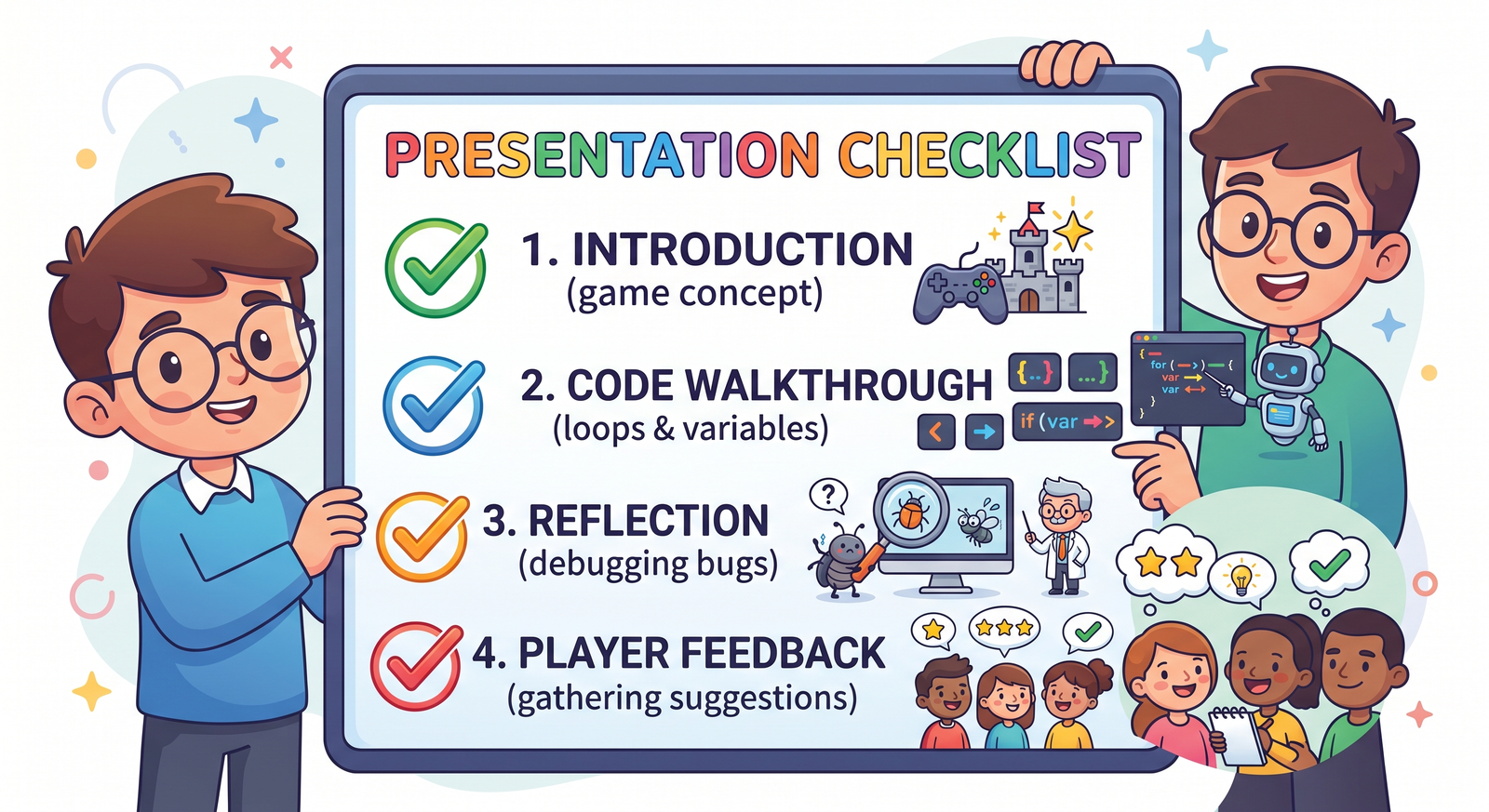
Creating code is only half the job; you must also be able to explain how it works. A code presentation involves demonstrating your game, walking through your scripts, and explaining why you chose specific structures (like using variables for score or forever loops for collision checks). This develops communication skills and deepens your coding knowledge.
Presenting code builds technical confidence. Explaining your logic, explaining loops, conditionals, and variable choices shows code understanding, helping refine ideas based on reviews.
4. Provide constructive peer feedback
Giving and receiving feedback helps programmers improve their work. When reviewing a classmate's project, use the 'sandwich method': start with a positive highlight, suggest a specific improvement (e.g., 'try adding a wait block to slow down this animation'), and end with encouragement. This fosters a supportive coding community.
Constructive reviews highlight improvement paths. It provides objective views on difficulty, controls, and bugs, helping teams iterate and polish their arcade projects.
Collaborative Arcade Showcase
- Team up with a partner. Divide roles: Partner A designs the maze backdrop and sprites; Partner B codes the movement and score variables.
- Combine your work into a single final project. Integrate a Makey Makey to map physical controls (like arrows drawn in pencil on paper) to the game controls.
- Prepare a 2-minute presentation explaining how your game works, highlighting your startup scripts, loops, conditionals, and variables.
- Playtest a classmate's game and write down one positive highlight and one constructive suggestion for improvement.
Model Answer Walkthrough
- Collaborate on design: Combine backdrop assets and sprite code into a single Scratch file.
- Wire physical controls: Connect the Makey Makey board to the computer using USB. Connect alligator clips to the Up, Down, Left, and Right arrow inputs, and a ground wire to a metal bracelet.
- Map controls in code: Set scripts to respond to arrow keypresses triggered by the physical inputs.
- Present your code: Walk through your scripts, explaining that the forever loop keeps controls active, the variables track score, and conditionals handle wall collisions.
- Review classmate projects: Share constructive feedback to help peers debug or polish their final arcade games.