Audio, Polish, and Digital Ethics
- Enhance user experience by adding background loops and sound effects triggered by events.
- Discuss the strand objective of digital ethics (S_ETHICS) regarding remixing code and providing credit.
- Refine game mechanics to ensure fair and balanced gameplay.
- Prepare documentation or an instructions panel explaining how to play the game.
1. Enhance experience with audio layers
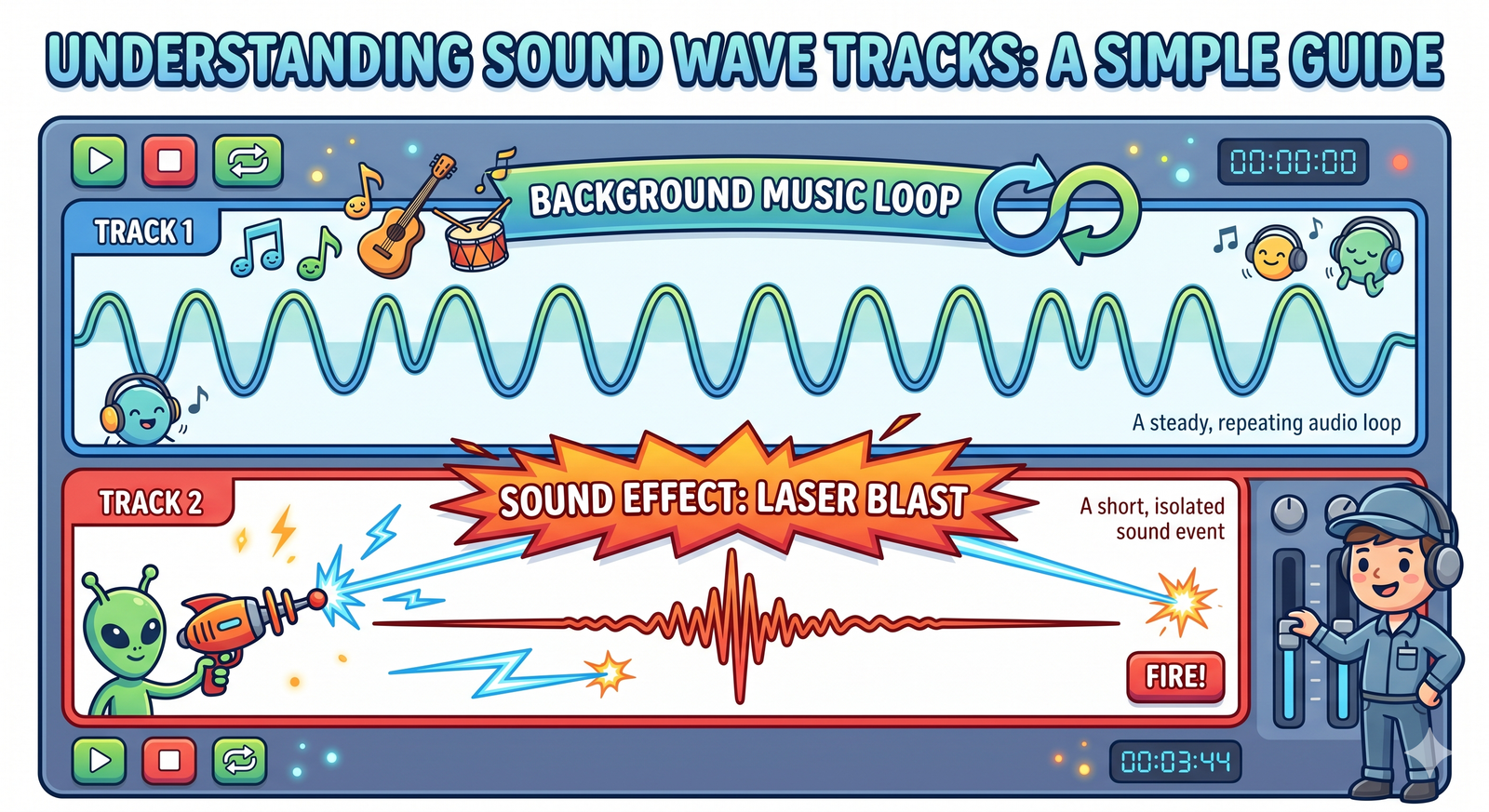
Sound design plays a huge role in how a project feels. An interactive program should feature two distinct audio layers to keep players engaged:
- Background Music Loops: Continuous background music that loops
forever in the background using the
play sound [music] until doneblock, setting the mood for the game. - Event Sound Effects (SFX): Short, instant sounds that trigger
during gameplay events (like jumping, scoring, or taking damage) using the
start sound [sfx]block, providing satisfying auditory feedback.
Adding sound design changes the atmosphere of your game. Non-blocking sound calls (using start sound instead of play sound until done) keep actions responsive, letting game code run while the audio plays.
2. Discuss digital ethics and code remixing
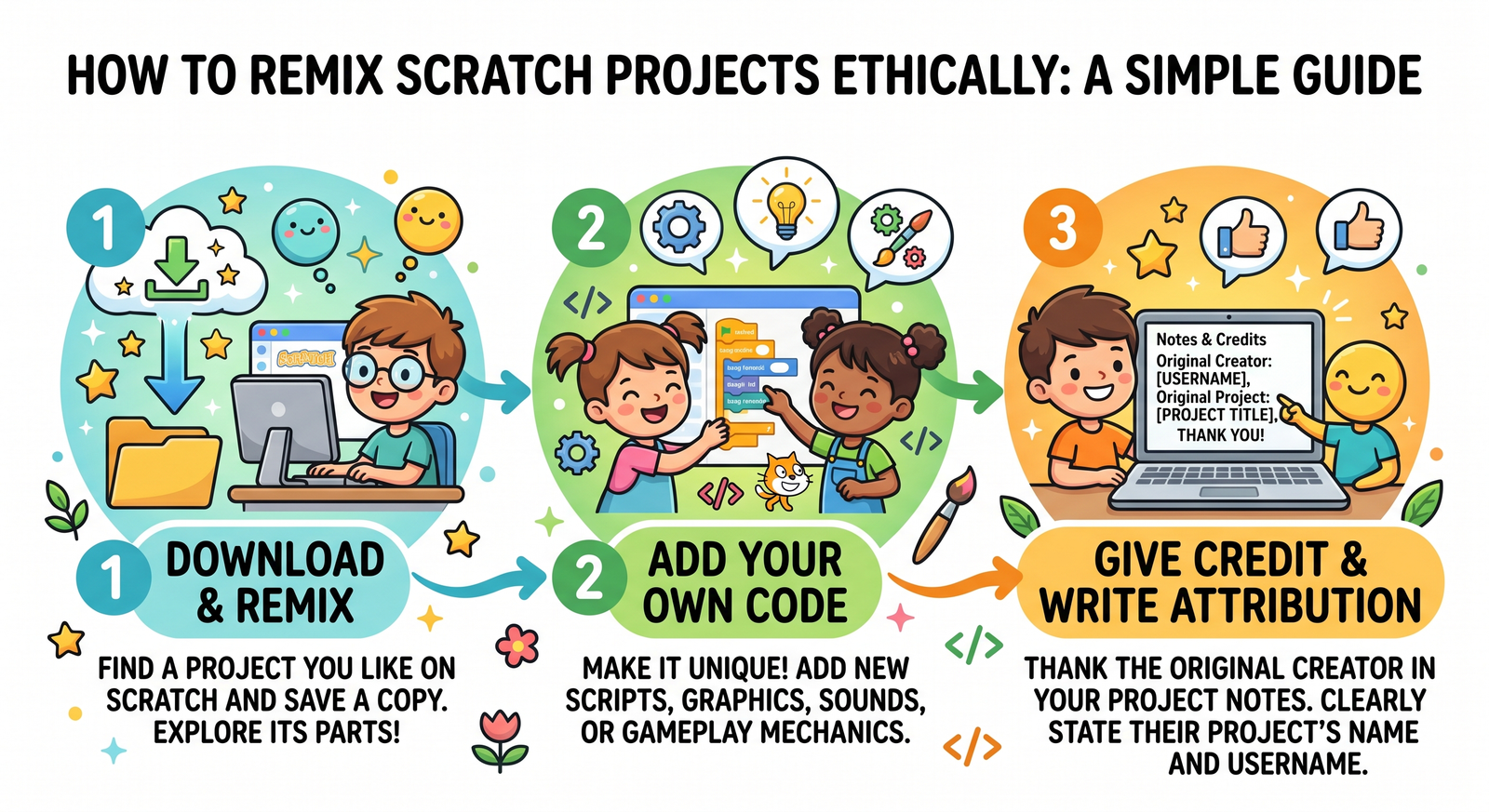
Scratch is built on an open-source community where sharing and learning from others is encouraged. **Remixing**—taking an existing project, copying it, and adding your own features—is a great way to learn. However, digital ethics (S_ETHICS) requires giving proper credit. You must always use the 'Notes and Credits' section of your project page to thank and link back to the original creators whose code, sprites, or music you used.
Attribution is the core of open-source ethics. It honors the effort of fellow coders. Documenting where you got assets from builds a respectful creative community, protecting copyright and showing professional integrity.
3. Refine and balance game mechanics
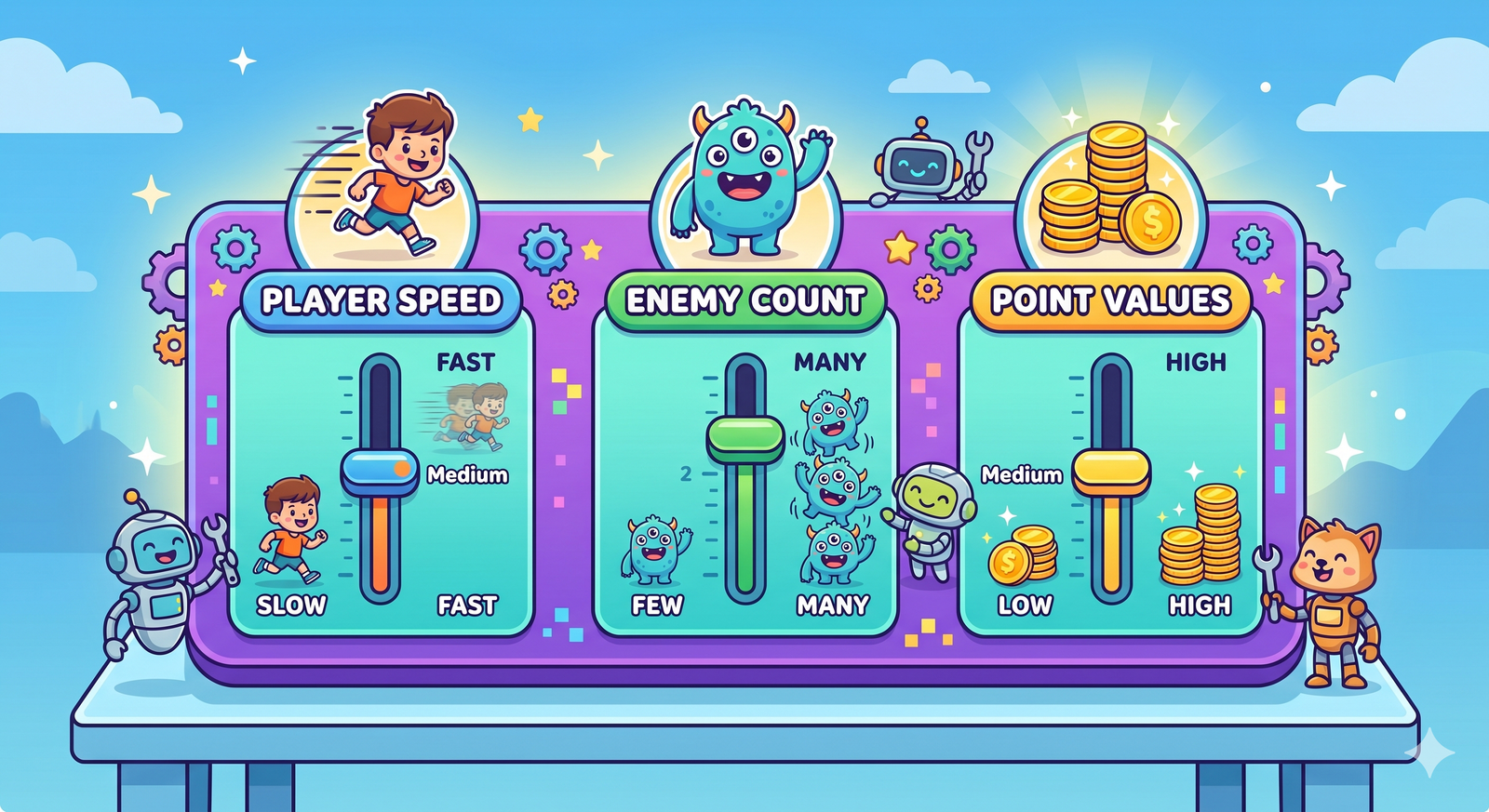
A polished game should feel fair and fun. If enemies move too quickly, the game becomes frustratingly hard; if collectibles spawn too slowly, it becomes boring. Balancing gameplay means testing and fine-tuning values—like character speed, gravity strength, or obstacle spawn rates—to find the perfect balance of challenge and fun.
Gameplay balance requires adjusting game variables. By testing parameters systematically, you can adjust settings to make the difficulty match player skill progression, keeping players interested and challenged.
4. Prepare documentation and player instructions
Good software is easy to understand. Before sharing a game, you should write a clear set of instructions. Explain the controls, the main objective, and how to win. This can be placed in the project's instructions panel or designed as an in-game tutorial screen, making the game accessible to new players.
Writing instructions is part of UX design. Clear text makes sure users understand the rules and controls instantly, preventing confusion and enhancing the overall experience.
Polish an Arcade Project
- Open your coin-catching game from Day 12.
- Add a background music script on the Stage: when green flag clicked, loop the sound 'Video Game 1' forever using 'play sound until done'.
- Improve the player's movement speed from 4 steps to 6 steps, and set the coin's falling speed to a random value between 3 and 7 to make gameplay more dynamic.
- Add a 'Notes and Credits' page design inside the project instructions, writing: 'Credits to Scratch library for assets. Remixed from Day 12 templates.'
Model Answer Walkthrough
- Set up background music on the Stage: [when green flag clicked] -> [forever] -> [play sound (Video Game 1) until done] (Sound Category).
- Balance player movement speed: [if
then] -> [change x by (6)] (updated from 4 steps). - Add variable falling speeds for the coin: [change y by (pick random (-3) to (-7))] (Operators Category).
- Write the game instructions: 'Use Left/Right arrows to move. Catch falling coins. Reach 10 points to win! Credits to original template.'
- Play the game. Notice how the background music and random falling speeds make it feel like a polished, complete arcade game.